Create an Open Badge Wallet
What is an Open Badge Wallet?
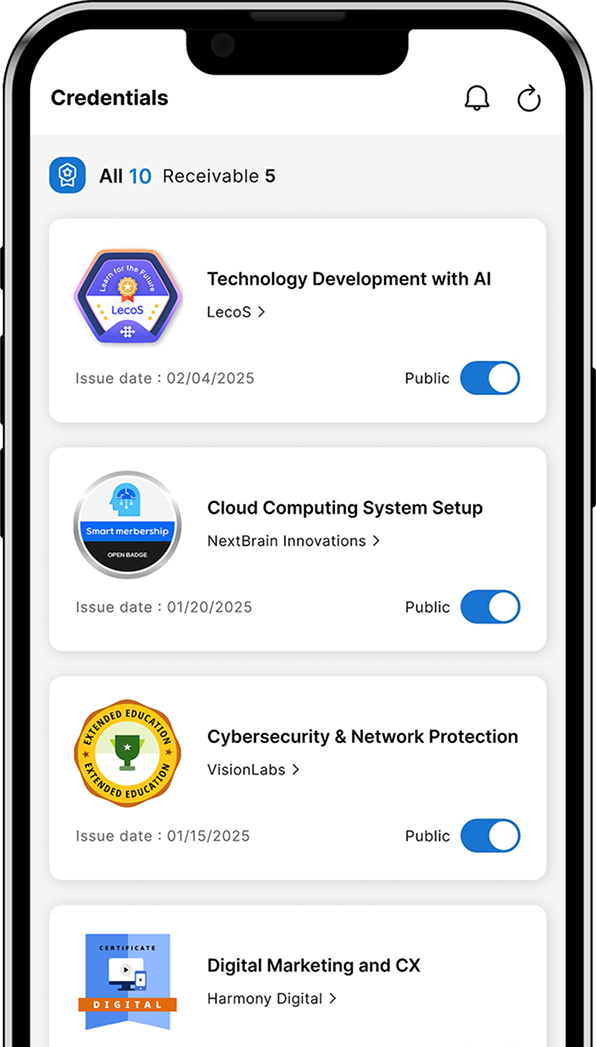
An Open Badge Wallet is your personal wallet where you can centrally manage all the Open Badges you receive.
When you receive your first badge issuance email from an organization, start by creating your Open Badge Wallet account.

- Receive and Store Open Badges
- You can receive Open Badges issued by organizations and store them in your personal wallet. You can also view a list of all your badges and track your skill acquisition status.
- Verify Open Badges
- The Open Badge Wallet allows third parties to verify that a badge has not been tampered with. This ensures your acquired skills can be proven in a trustworthy manner.
- Share Open Badges
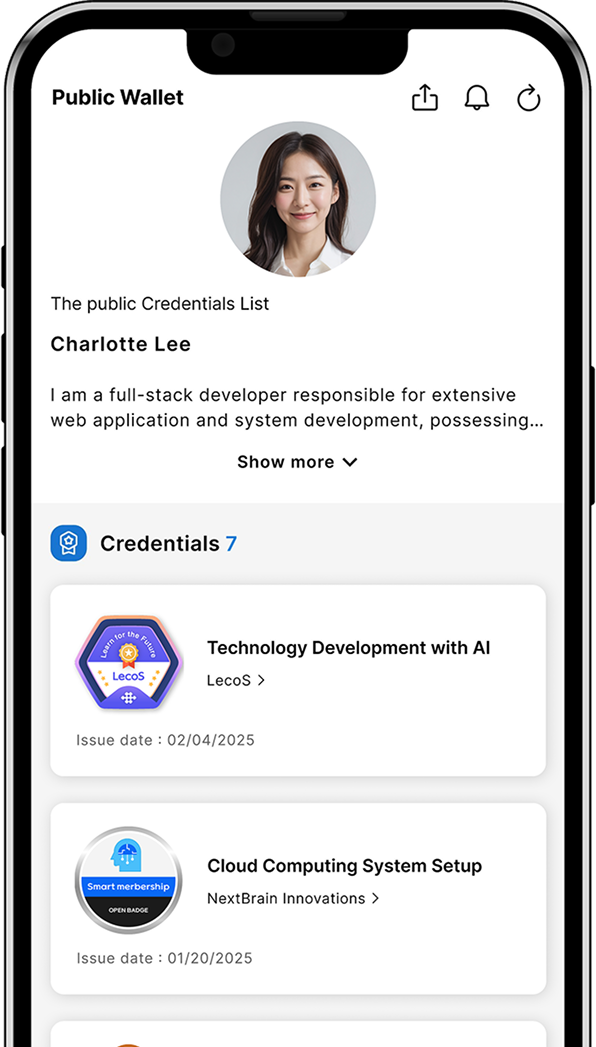
- You can easily generate a shareable link with one click, making it simple to post your badges on social media platforms like X (formerly Twitter), Facebook, and LinkedIn.
How to Create an Open Badge Wallet

Click the "View Open Badge" button in the email sent from the issuing organization.
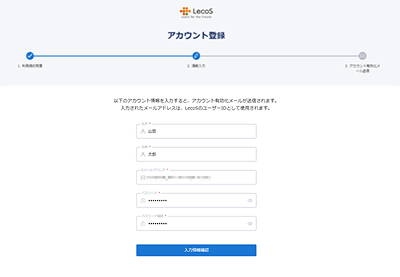
Follow the on-screen instructions to enter your name and set a password for your Open Badge Wallet.
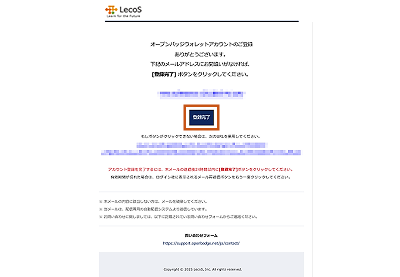
You will receive an email with the subject line "Open Badge Service Temporary Registration Notice."
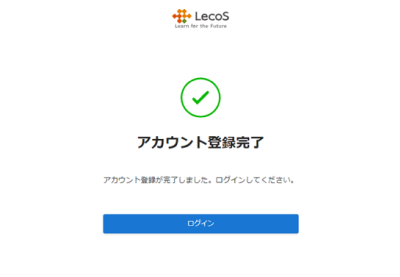
Click the "Complete Registration" button in the email to finish setting up your account.

Introducing the Open Badge Wallet
Mobile App
The Open Badge Wallet is now easily accessible anytime from your smartphone.
You can receive and manage your badges within the app,
and also view badge details and the badge status of your organization’s members.
Available to users who have an Open Badge 3.0 account issued on or after March 1, 2025.